6.2 Supplier Quotation (SQ)
- A Supplier Quotation records the price, delivery date, and terms received from a supplier against a Request for Quotation (RFQ)
Puropose
- To capture supplier rates and delivery commitments.
- To compare quotations received from multiple suppliers.
- To finalize the supplier before creating a Purchase Order.
Step 1: Create Supplier Quotation from RFQ
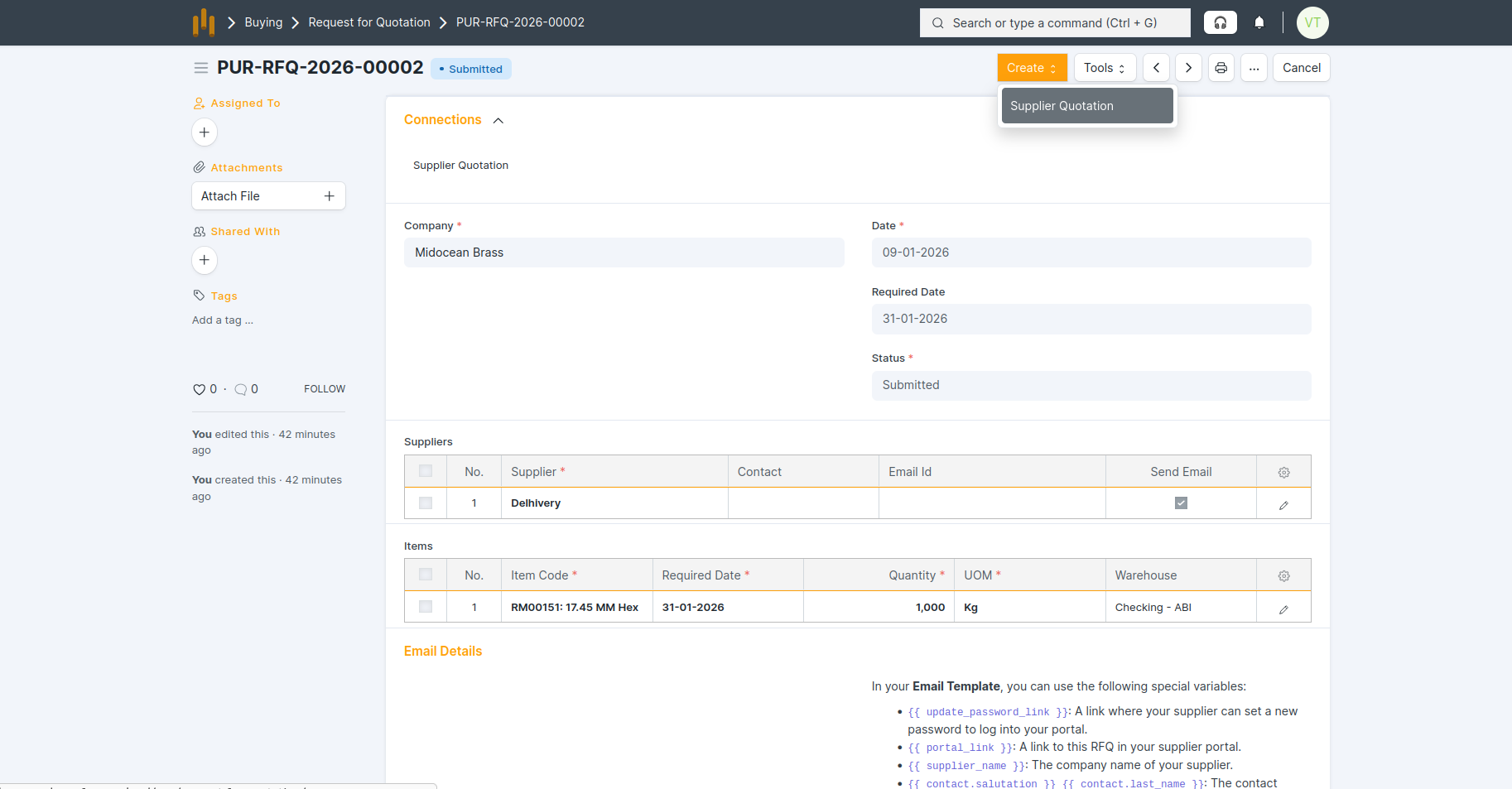
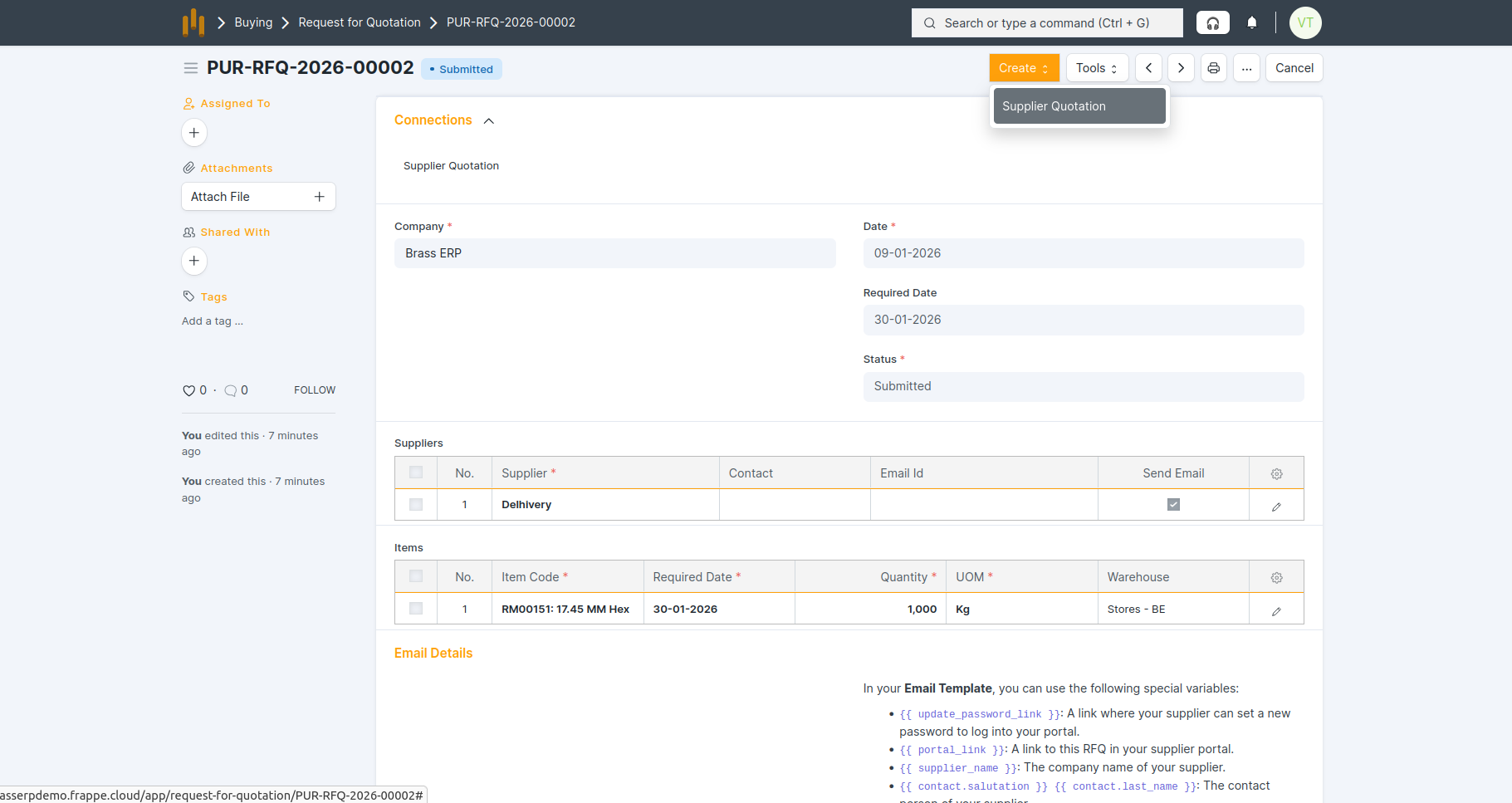
- Open the submitted RFQ.
- Click on Create → Supplier Quotation.
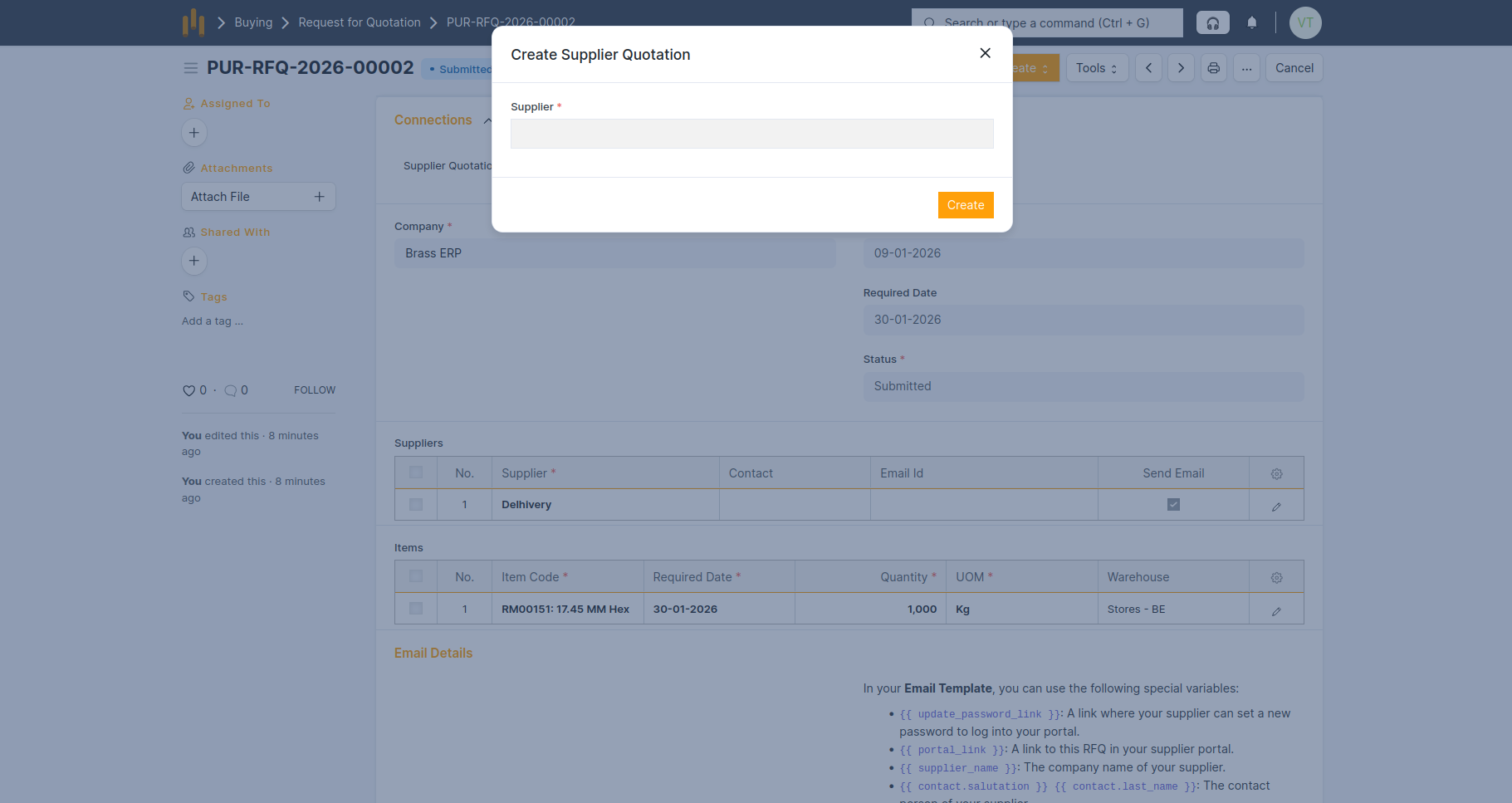
- Select the Supplier and click Create button
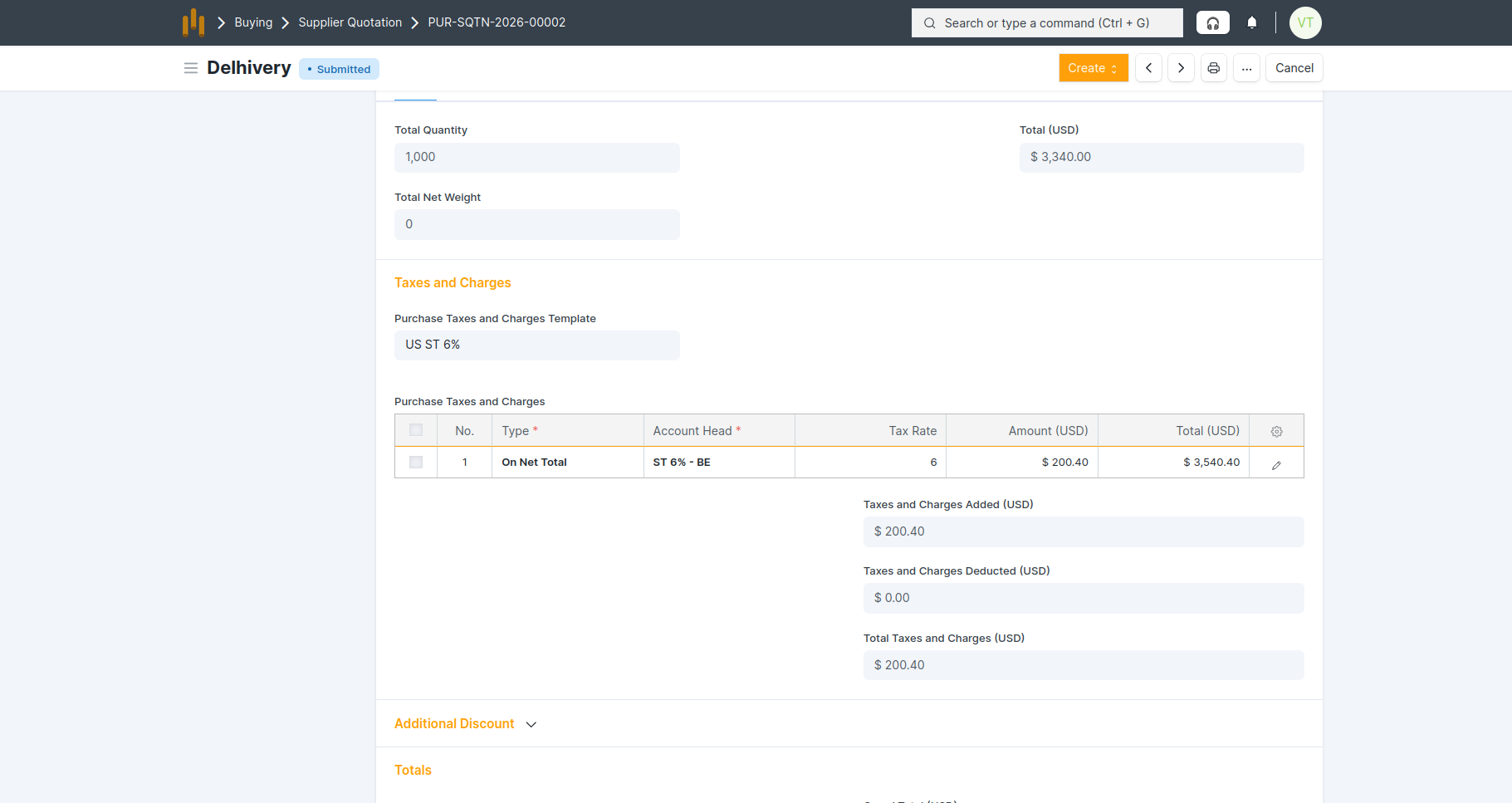
- The Supplier Quotation form details auto-fetched from the RFQ show in below screenshot:
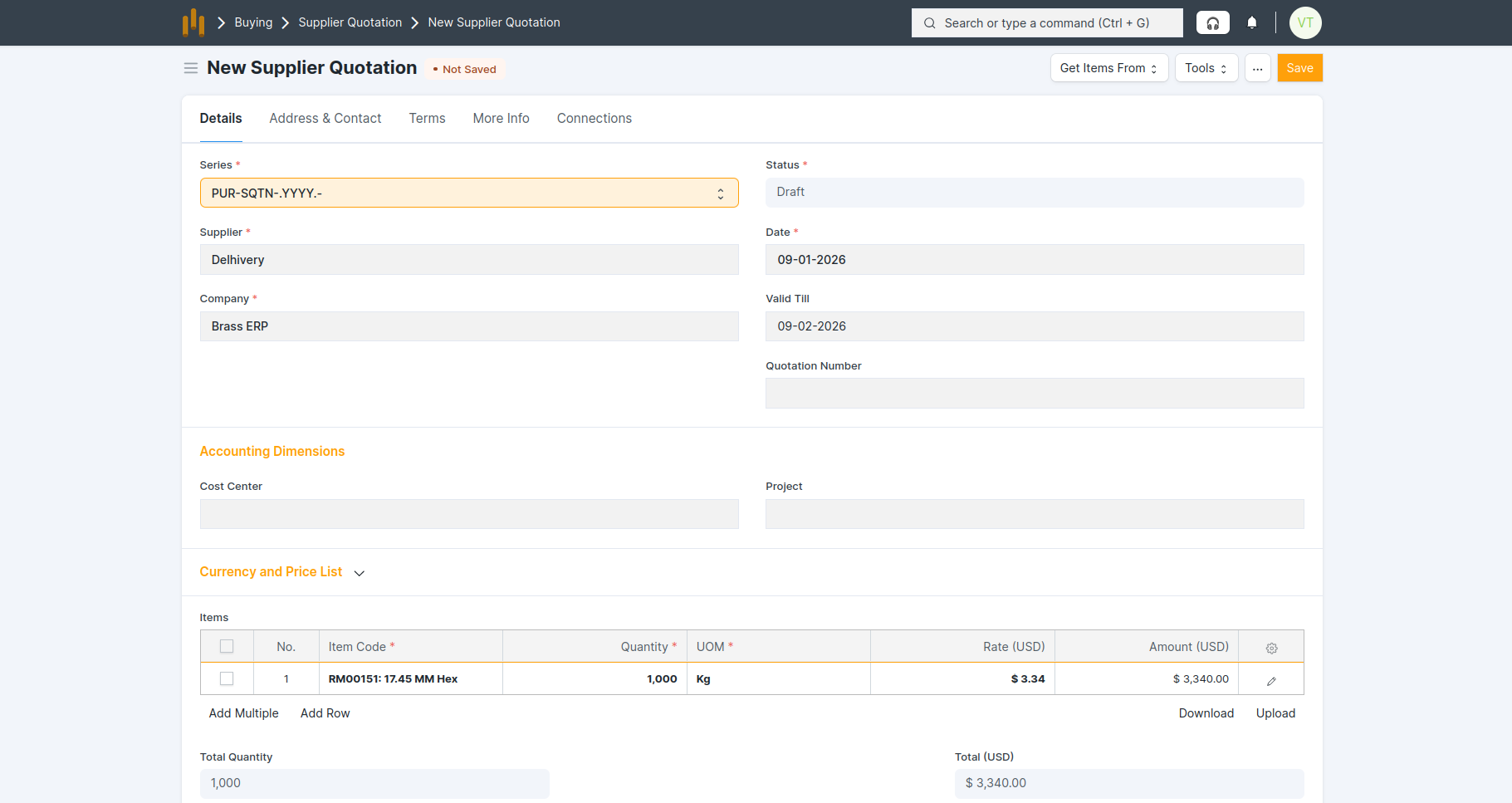
- Save and submit Supplier Quotation