1.2 Opportunity
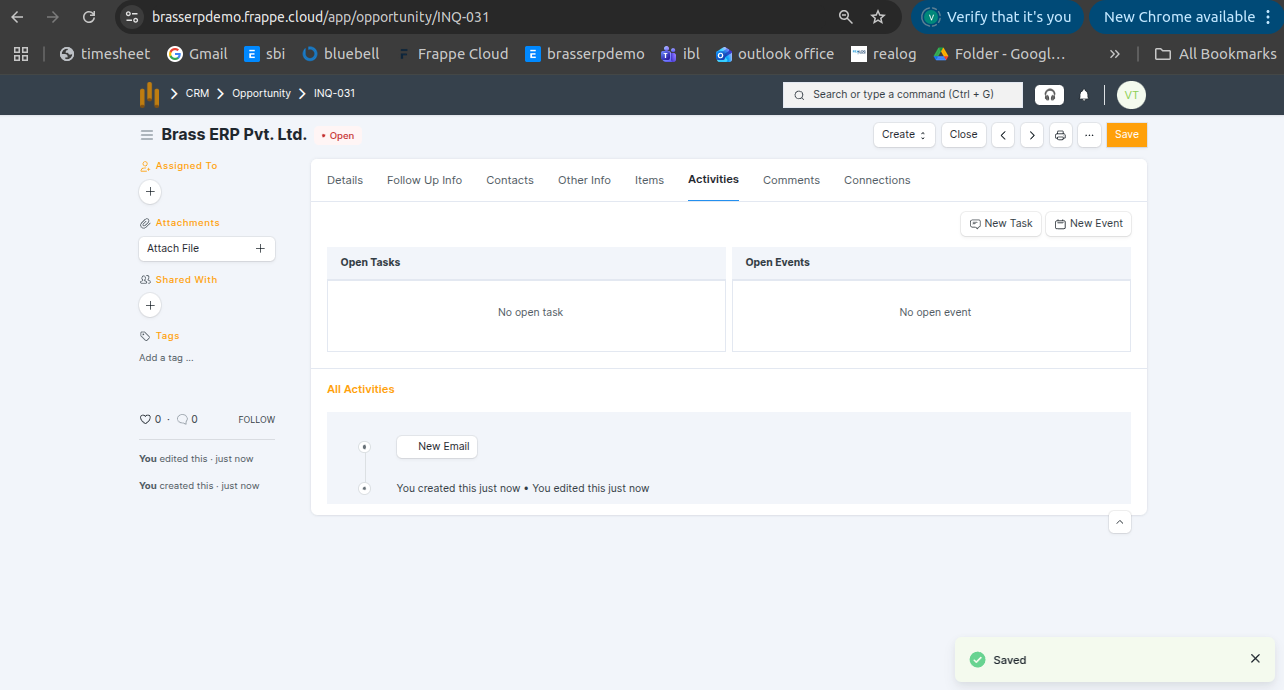
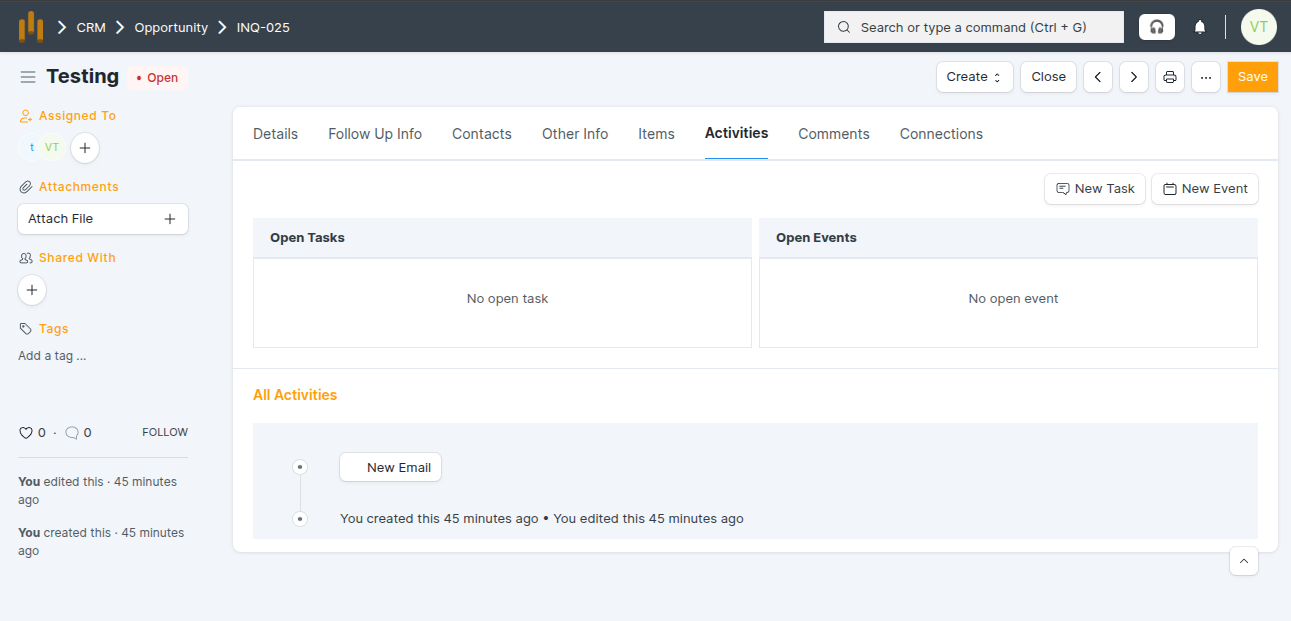
- An Opportunity represents a potential sale from a customer who has shown interest and requested a quotation. It captures items, expected amount, sales stage, closing date, and the assigned salesperson.
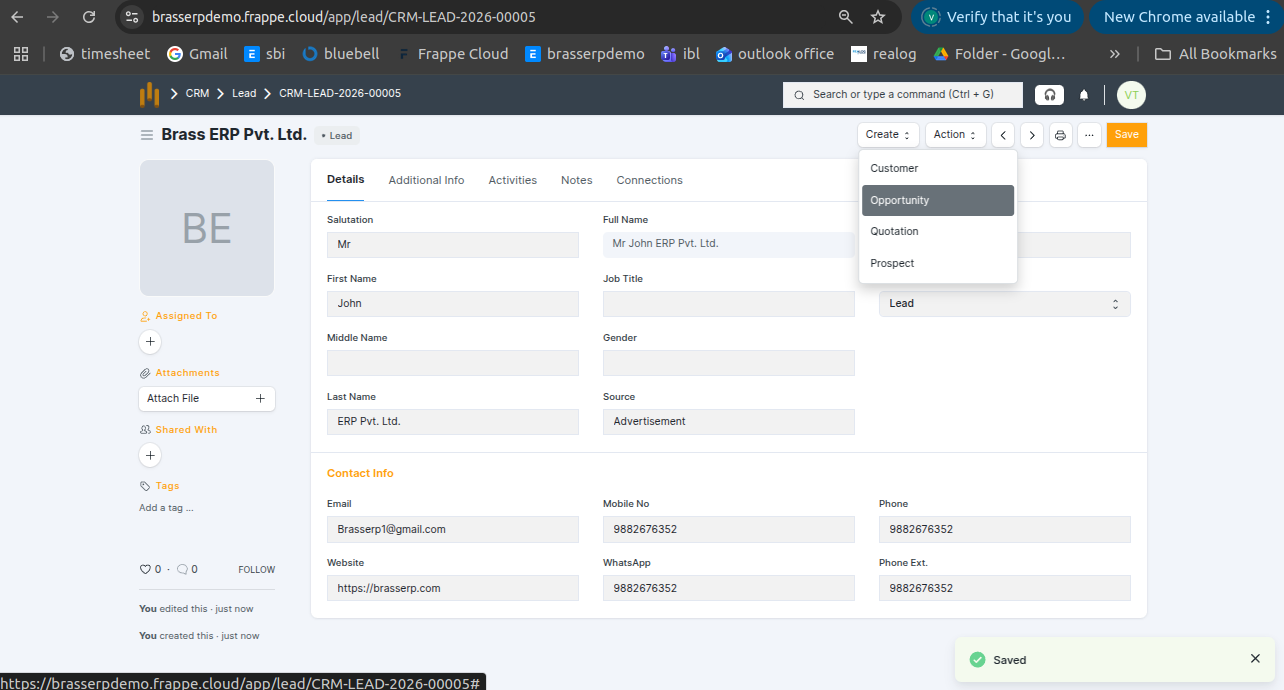
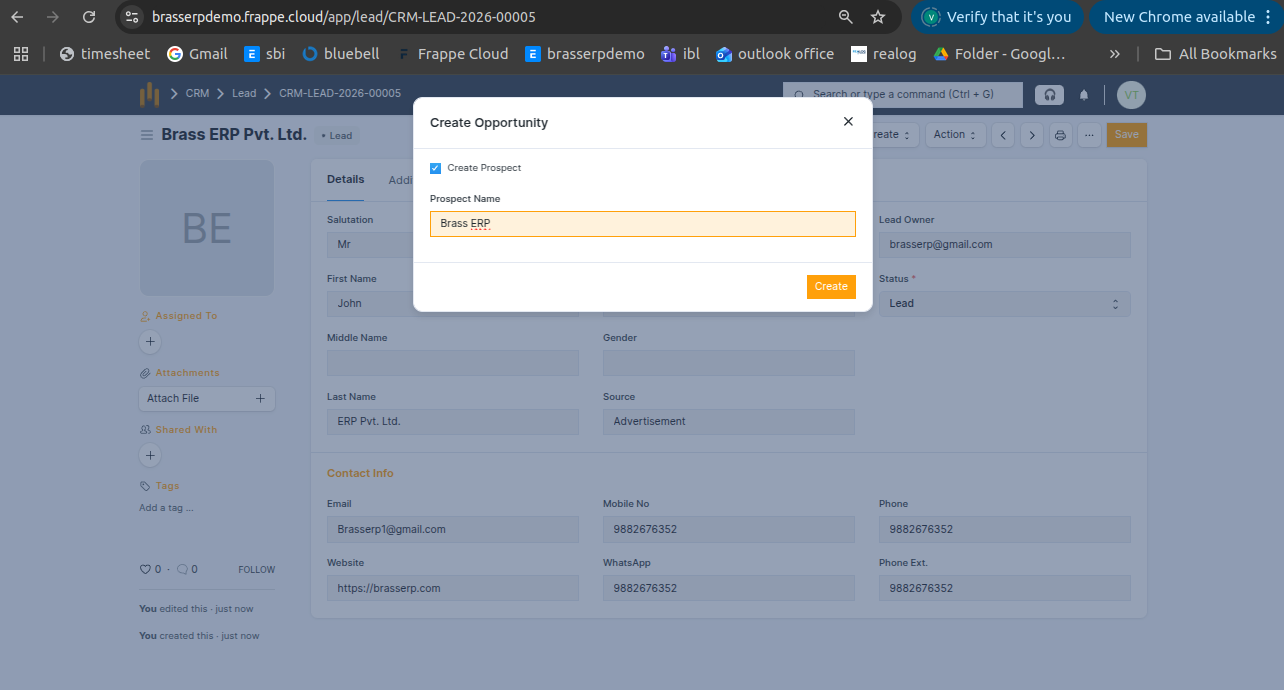
How to Create Opportunity?
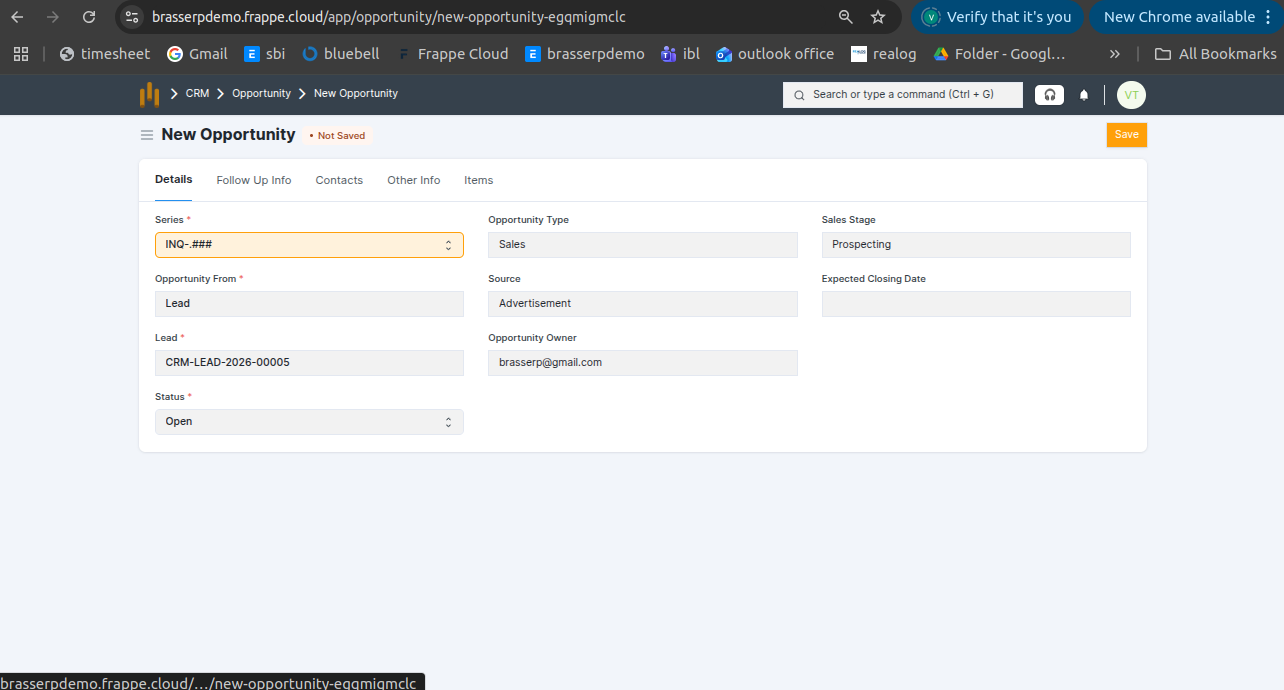
| Field Name | Use / Description |
|---|---|
| Opportunity Name | Unique name for the opportunity |
| Lead / Customer | Link to the related Lead or Customer |
| Opportunity Type | Sales, Support , Maintenance |
| Expected Closing Date | Date when the opportunity is expected to close |
| Territory | Customer location |
| Opportunity Owner | Salesperson responsible for this opportunity. |
| Source | How the opportunity was generated ( Walk In , Reference, Supplier Reference). |
| Probability (%) | Likelihood of closing the opportunity successfully. |
| Notes / Remarks | Additional discussion points or follow-up notes. |
Activities in Lead (Tasks and Events)
The Activities tab in the Lead form is used to manage and track all follow-up actions related to the lead.
Tasks and Events in Lead
A Tasks and Events is used when an action needs to be completed, such as checking attachments, making a follow-up.
- Can be assigned to a user with a date and time.
- Attachments can be added while creating them.
- The assigned user receives a notification in the bell icon.