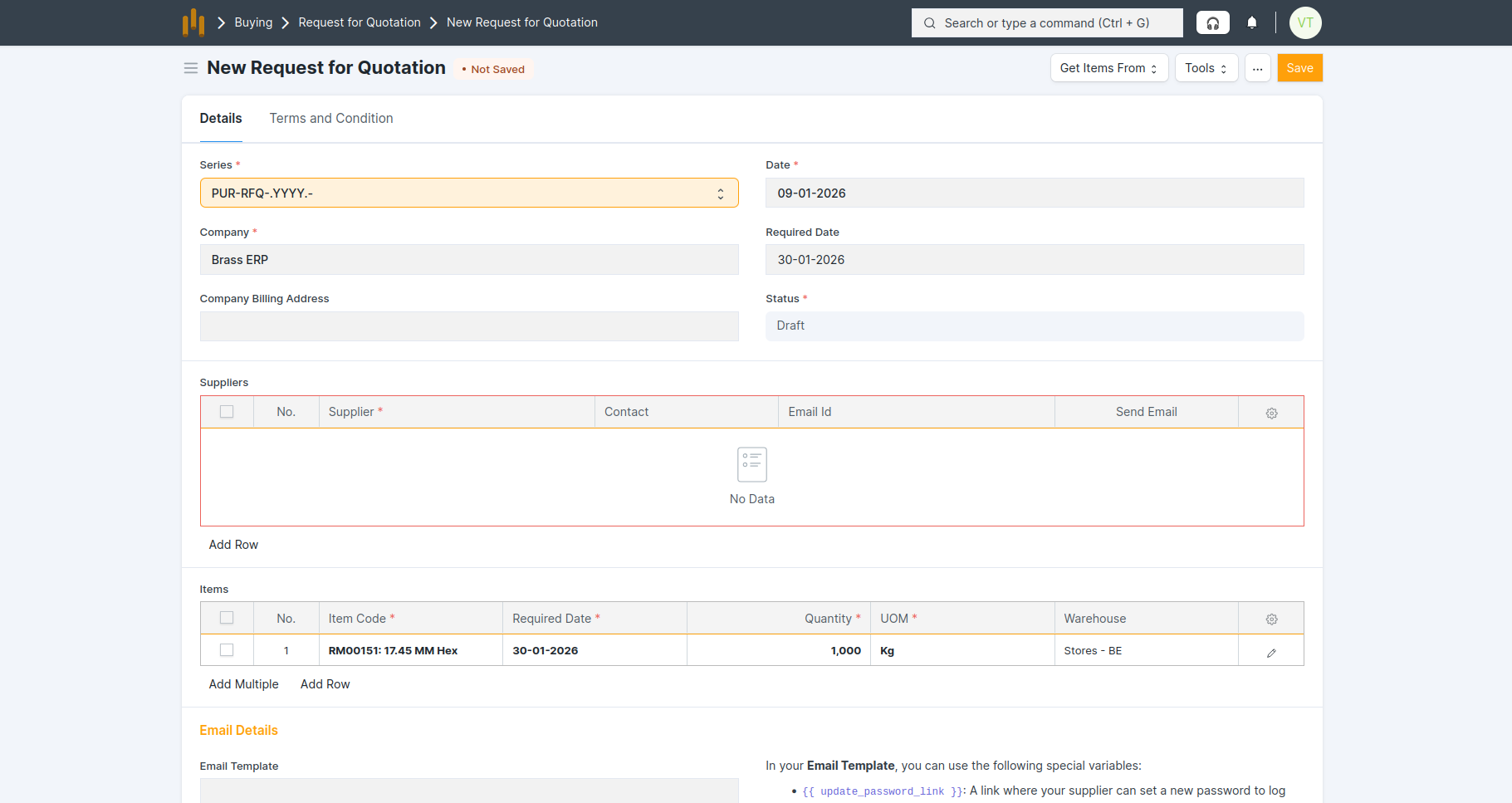
6.1 Request for Quotation (RFQ)
- An RFQ is sent to one or more suppliers to collect pricing and delivery details.
Purpose:
- To collect competitive quotations from suppliers.
- To help in selecting the best supplier based on price and delivery terms.
Step 1: Material Request Creation
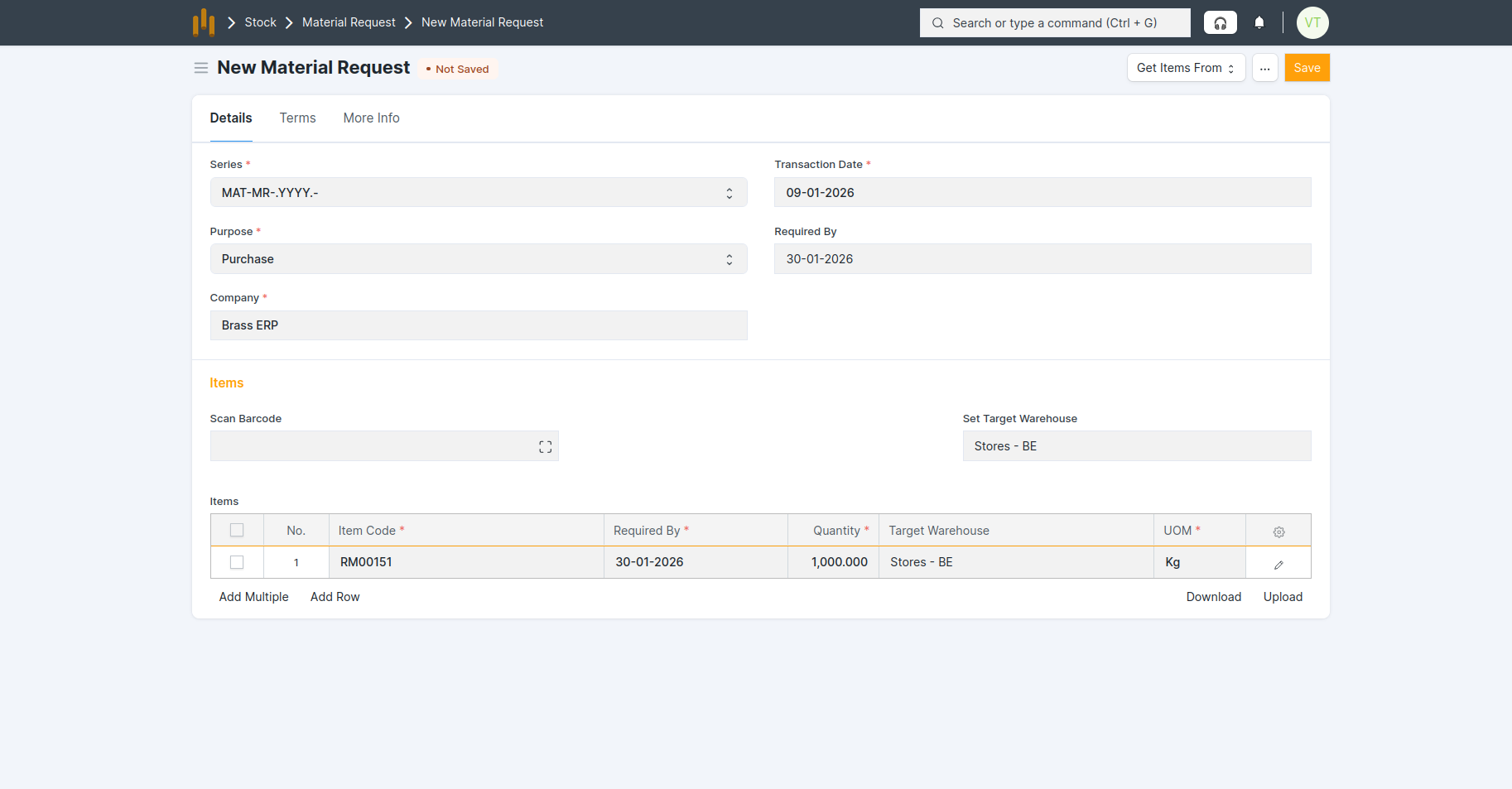
- Go to Material Request → New.
- Fill below details:
- Purpose = Purchase (important, this triggers the purchase flow).
- Items & Quantities required.
- Required By Date and Target Warehouse
- Save and Submit the MR.
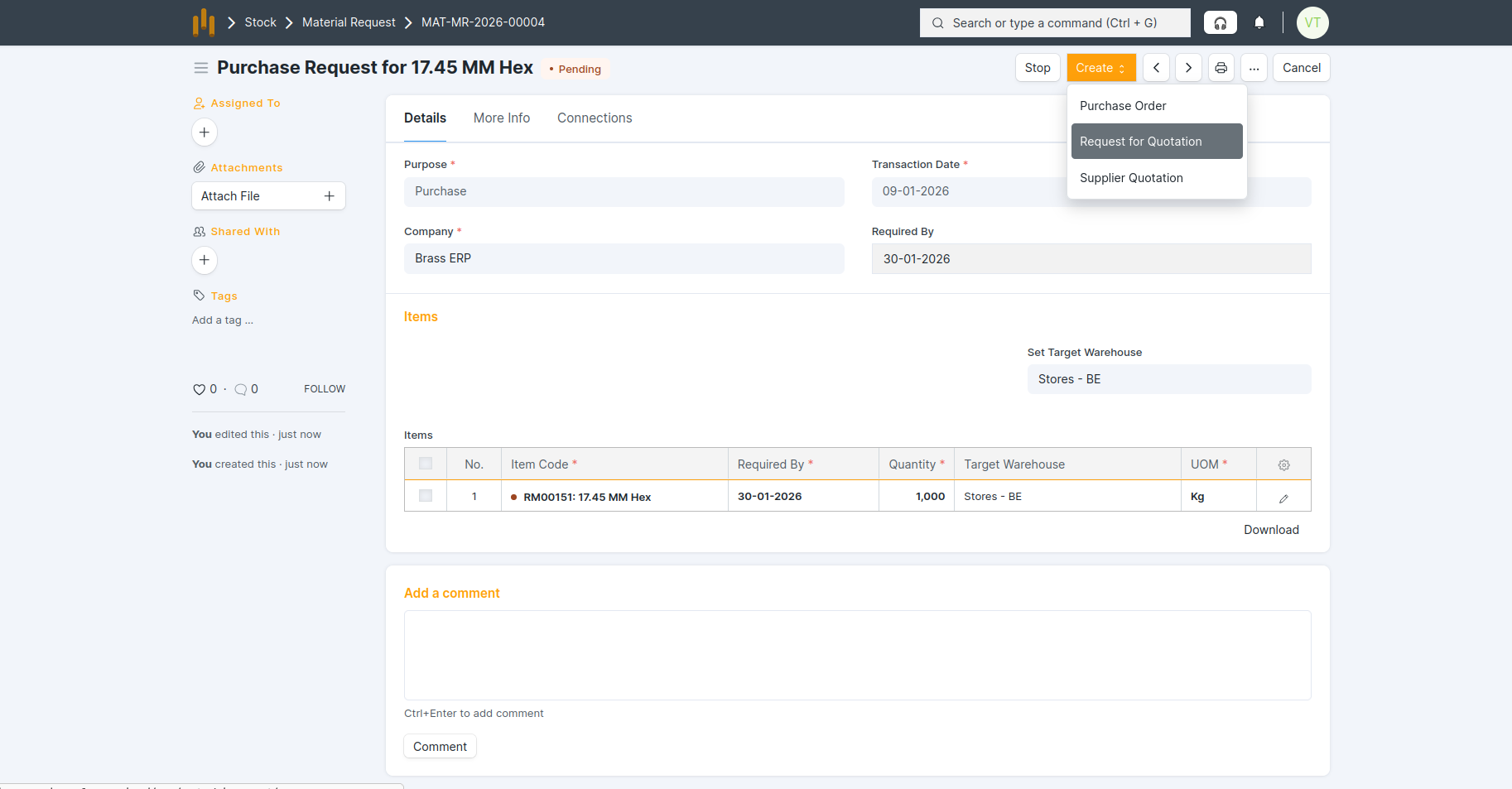
Step 2: Create RFQ from Material Request
- After submitting the Material Request, click on Create → Request for Quotation .
- The RFQ form opens with items and quantities auto-fetched from the Material Request.
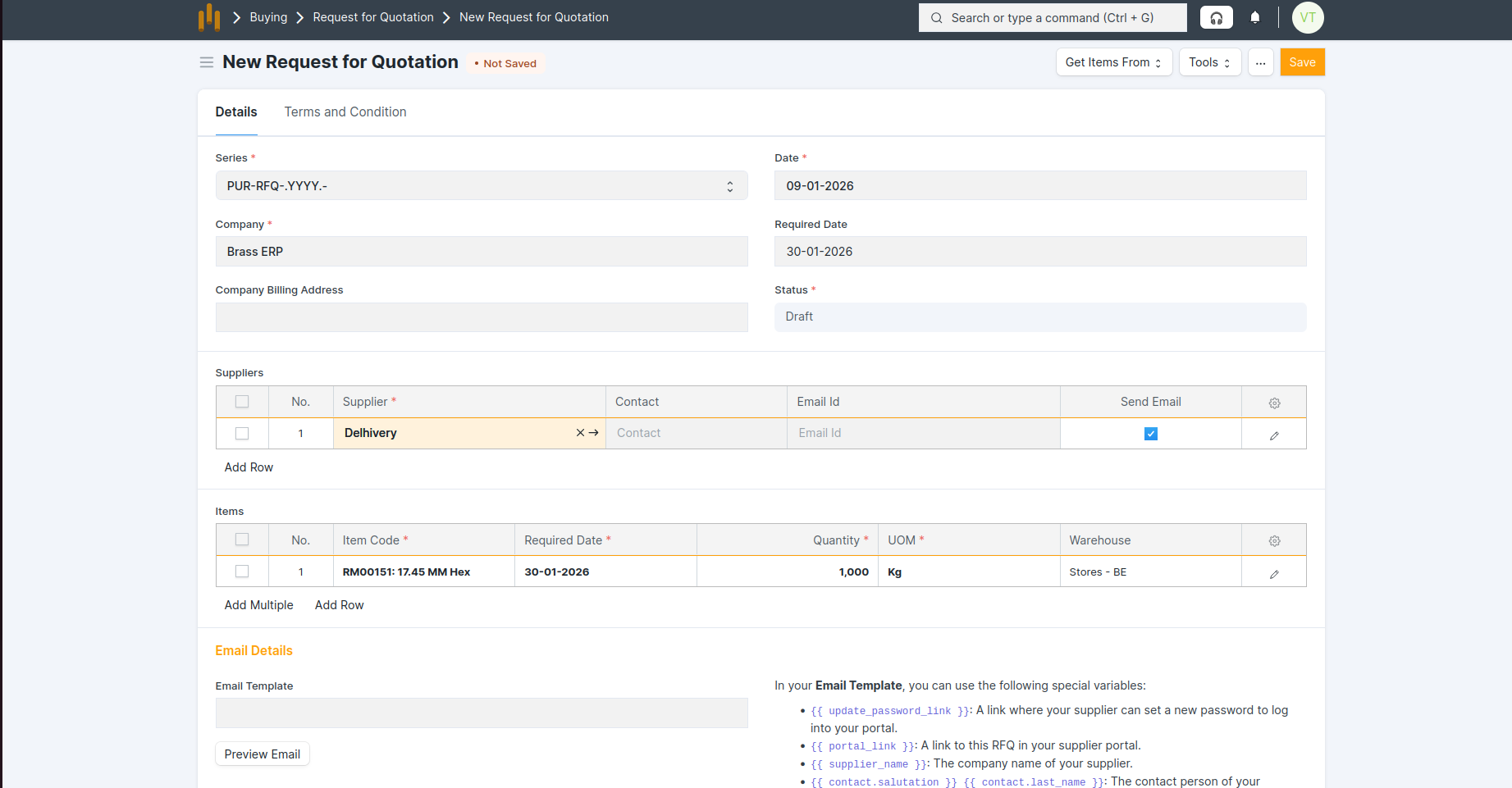
- Add one or more Suppliers.
- Save and Submit the RFQ.