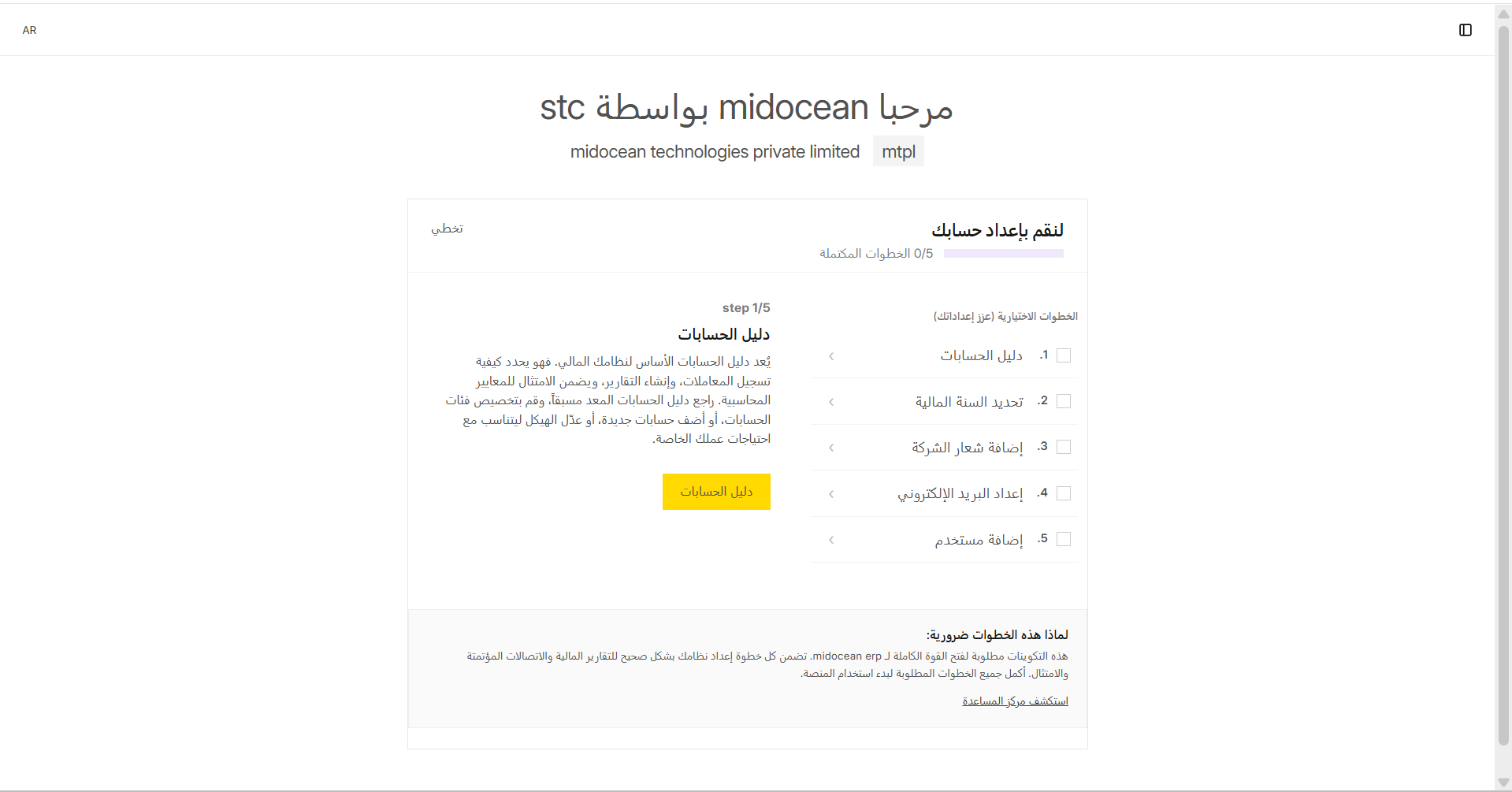
Arabic Language & RTL Support
Midocean is built with a "Local First" approach, offering deep support for the Arabic language and Right-to-Left (RTL) layouts.
Switching Languages
You can switch between English and Arabic at any time.
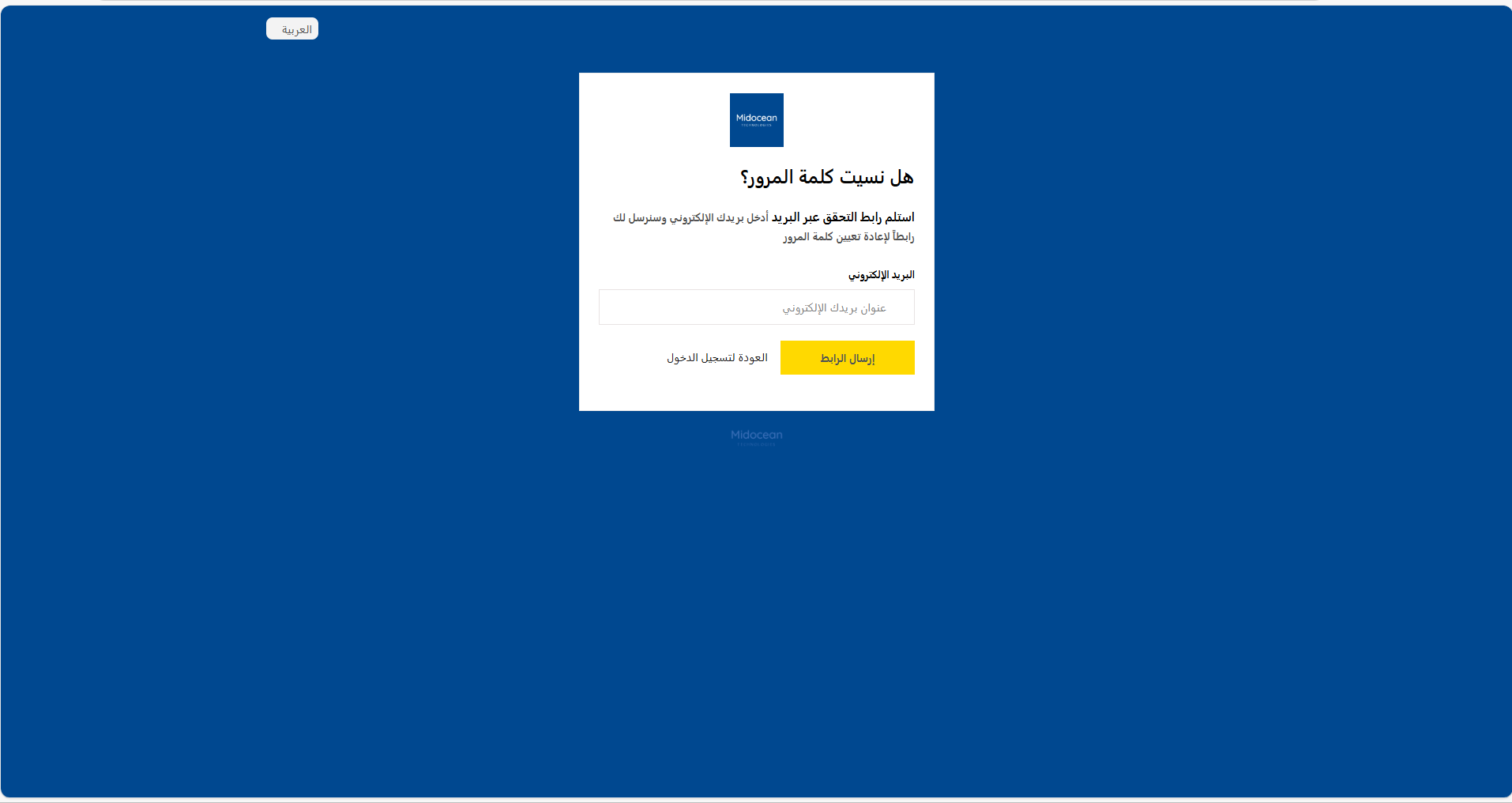
From Login Screen
Select "Arabic" from the dropdown menu on the login card before signing in.
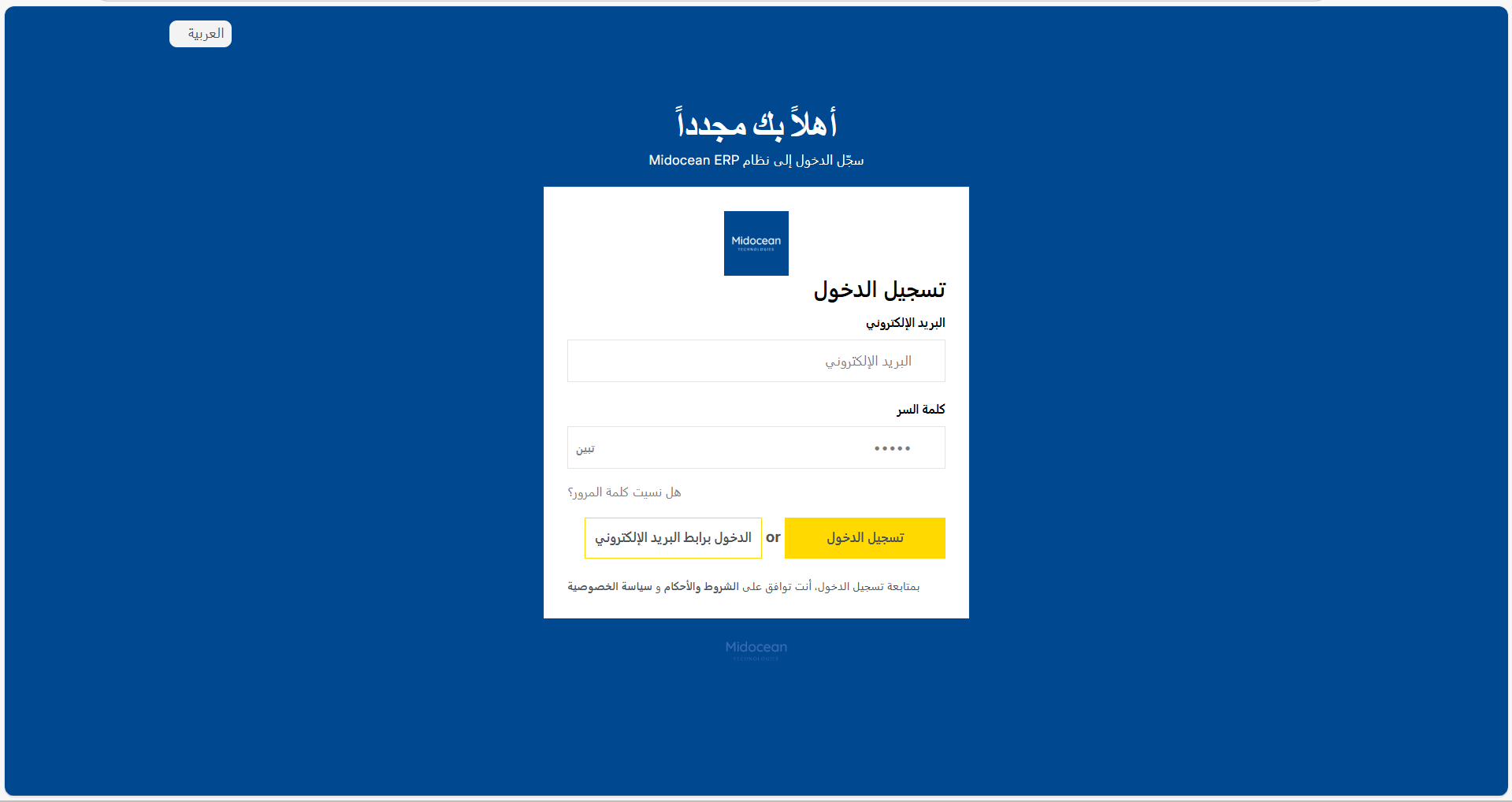
Magic Link (Arabic)
Login with a one-time email link from the Arabic interface.
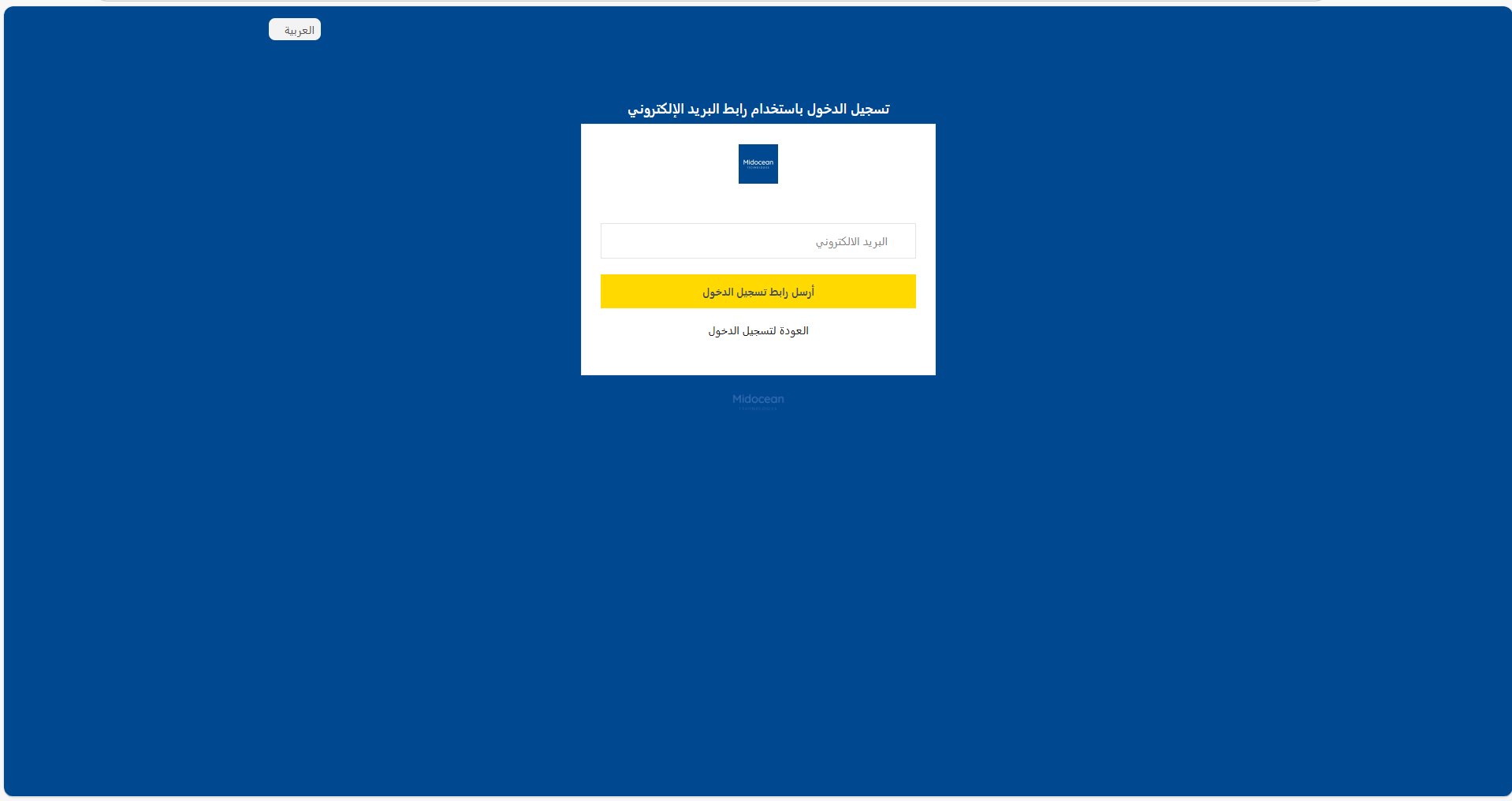
Forgot Password (Arabic)
Request a password reset in Arabic.
From User Settings
- Click your Avatar > My Settings.
- Change Language to Arabic.
- Save and refresh.
RTL Layout Features
When Arabic is active, the interface intelligently mirrors itself:
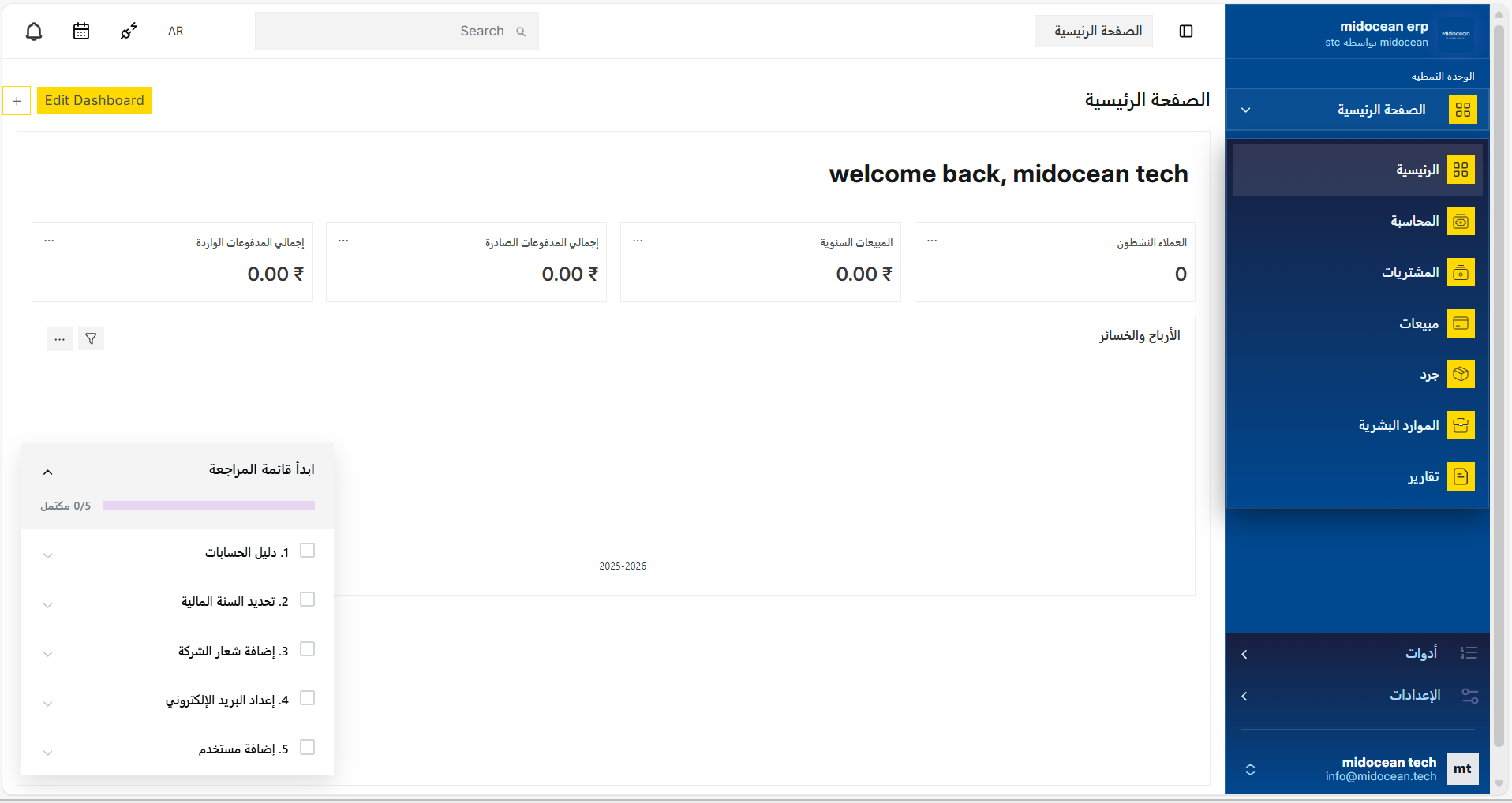
- Sidebar: Moves to the right side of the screen.
- Navigation: Breadcrumbs and menus flow from right to left.
- Forms: Input labels and text align to the right.
- Typography: The system switches to the STC Forward font, ensuring optimal legibility for Arabic text.
Tools (Arabic)
Access common utilities from the Arabic interface.
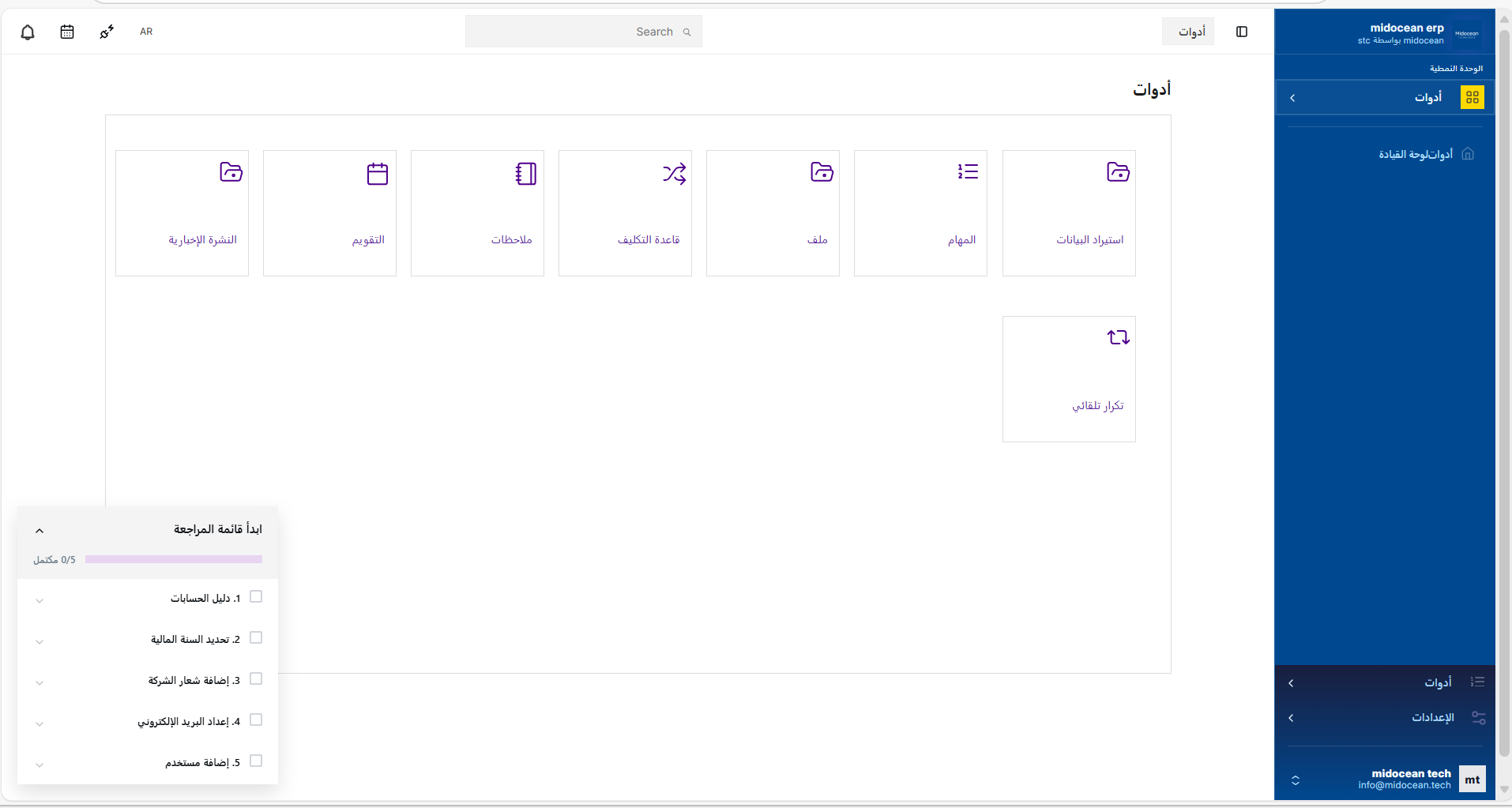
- Data Import, Calendar, Notes, File Manager
- Assignment Rule, Workflow utilities, Auto Repeat
- Consistent RTL layout and Arabic labels throughout
Localized Onboarding
The 5-step setup wizard is fully translated, ensuring a smooth start for Arabic-speaking users.