Admin Tools & Settings
This section covers the administrative features designed to help System Managers control the workspace.
1. Tools Overview
Access a suite of utilities to manage data and system health.
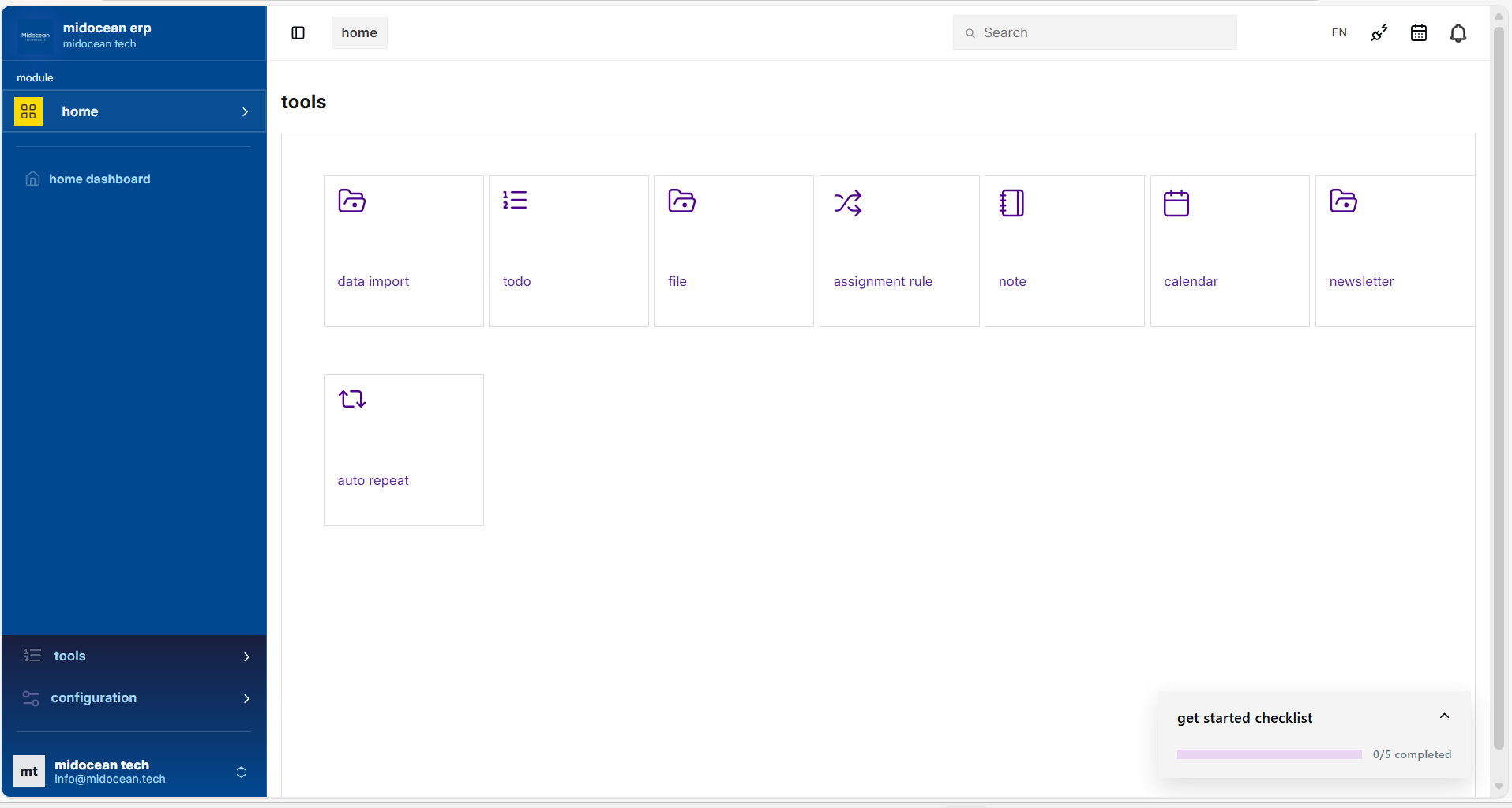
- Data Import: Easily migrate data in and out of the system.
- ToDo: Track personal and team tasks.
- File: Manage uploaded documents and attachments.
- Assignment Rule: Automate task distribution.
- Note: Keep personal notes.
- Calendar: View deadlines and schedules.
- Newsletter: Manage email campaigns.
- Auto Repeat: Schedule recurring documents.
2. Configuration Settings
Centralized control for all system behaviors.
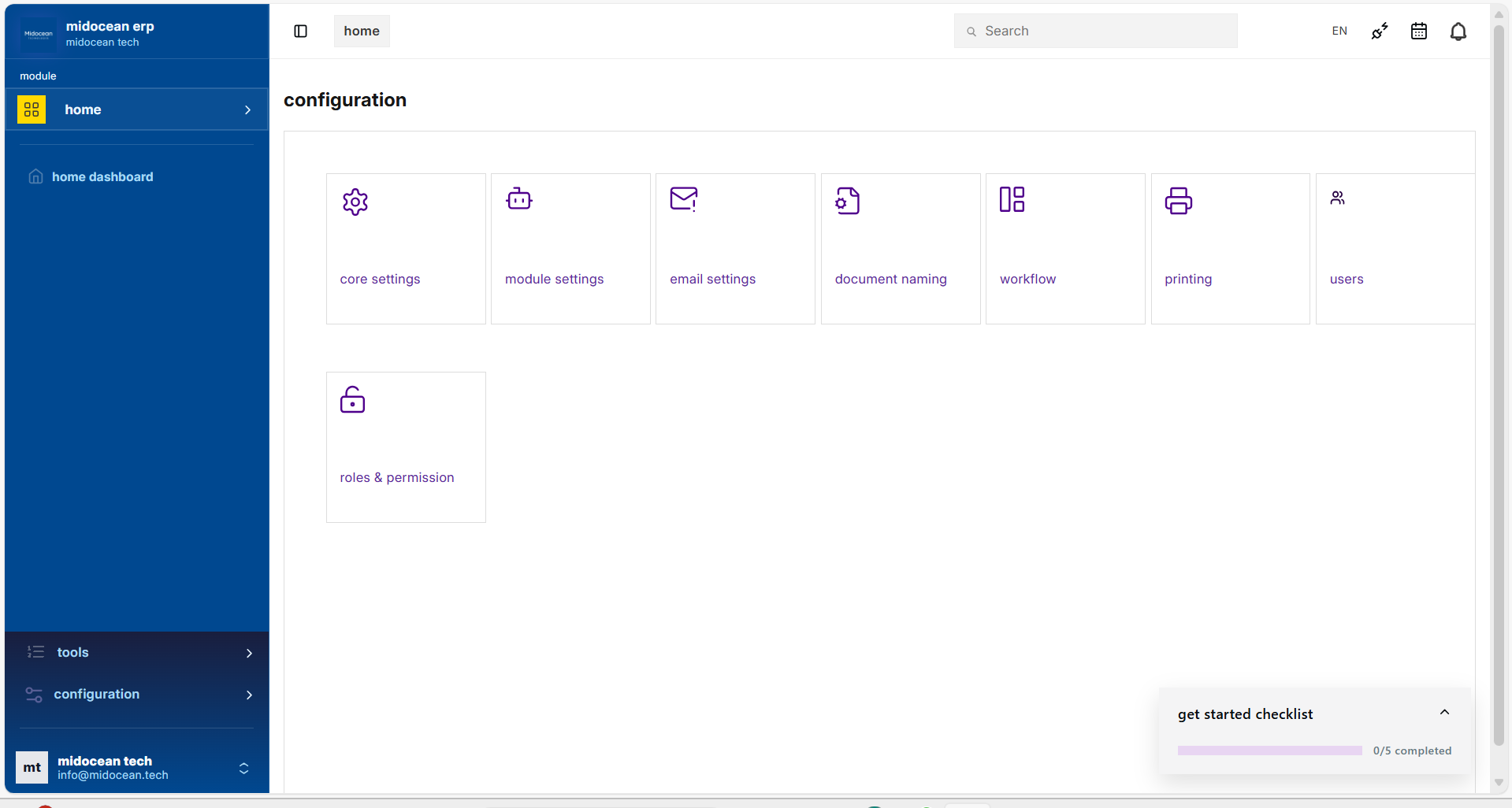
- Core Settings: Global system parameters.
- Module Settings: Configure specific business modules.
- Email Settings: Manage outgoing servers and accounts.
- Document Naming: Set auto-increment rules.
- Workflow: Define approval processes.
- Printing: Customize print formats and templates.
- Users: Manage system users.
- Roles & Permission: Control access levels.
3. System Branding
Maintain a consistent corporate identity across the entire platform with a single action.
Unified Logo Management: By updating the logo in System Settings, the Midocean Theme automatically synchronizes your brand assets across all interface touchpoints:
- Navigation Bar: Updates the primary logo in the top-left corner of the workspace.
- Login Screen: Refreshes the brand image displayed on the authentication card.
- Splash Screen: Updates the loading indicator shown during system initialization.
- Browser Favicon: Sets the small icon visible in the browser tab for instant recognition.
- Website Footer: Ensures the public-facing website footer matches your internal system branding.
- Banner Image: Updates the main banner asset for consistent visual theming.